
Automated email signatures, consistent for everyone
Centrally managed, professional signatures in Outlook and Microsoft 365, on every device.
Every email is your company’s business card. Yet, in many organizations, every employee has a different signature: outdated logos, incorrect phone numbers, or nothing at all from mobile devices. With a centralized signature solution like Exclaimer or CodeTwo, every outgoing email automatically receives the same up-to-date signature, populated with the correct data from Microsoft 365.
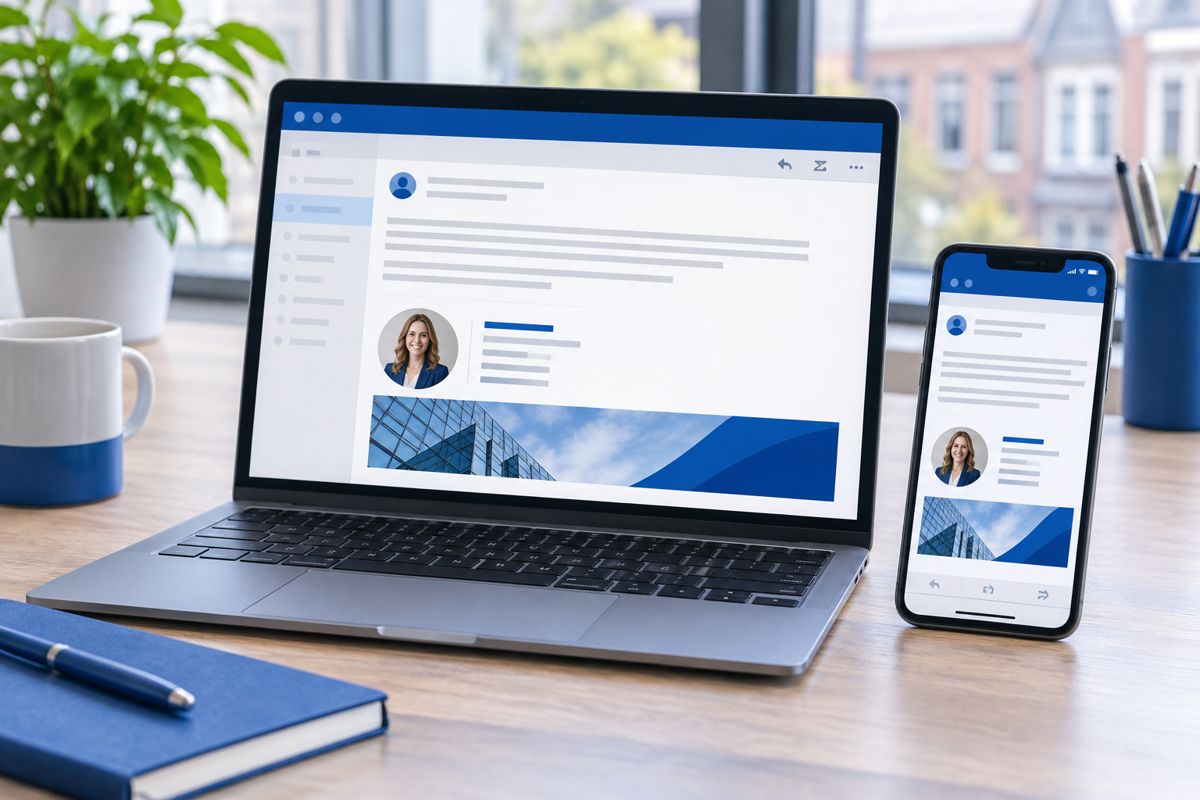
Always uniform and up-to-date
You design a single template in your corporate identity. Name, job title, phone number, and photo are automatically filled in from Microsoft 365. If something changes, you update it in one place, and it applies to everyone immediately.
Also on mobile and Mac
Because the signature is added centrally, it also appears under emails sent from a phone, tablet, or Mac. Employees do not need to configure anything themselves.
Banners and legal text
Place a banner below the signature for a promotion, trade fair, or job vacancy, and automatically add a disclaimer. Ideal for marketing and legal consistency. VePa works with Exclaimer and CodeTwo.
How VePa works
- Discussing requirements and corporate identity
- Choosing between Exclaimer and CodeTwo
- Designing the signature template and linking to Microsoft 365
- Testing on desktop, web, and mobile
- Managing changes and campaign banners

What are the benefits?
- Professional, uniform appearance for every email
- No more manual work per employee
- Works on all devices
- Marketing banners easily changed centrally
Frequently Asked Questions
Does an automated signature also work from an iPhone?
Yes. The signature is added server-side or via an add-in, ensuring it also appears under mobile-sent mail.
Can each department have its own signature?
Yes. You can create rules per department, location, or email type, such as a short version for replies.
What is the difference between Exclaimer and CodeTwo?
Both are market leaders for Microsoft 365. The choice depends on desired features, management, and budget; VePa can advise you on this.
Do you want every email to look professional?
VePa sets up automated email signatures for your entire organization. Call 085 005 0850 or email info@vepa-automatisering.nl.


