
A secure password manager for your entire team
Strong, unique passwords for every account, securely shared and centrally managed with 1Password or Keeper.
Reused and weak passwords are one of the leading causes of data breaches. Yet employees have dozens of accounts: web shops, supplier portals, social media, and internal systems. A business password manager remembers all those passwords in an encrypted vault, fills them in automatically, and enables secure sharing within the team. VePa advises on the right solution and sets it up.
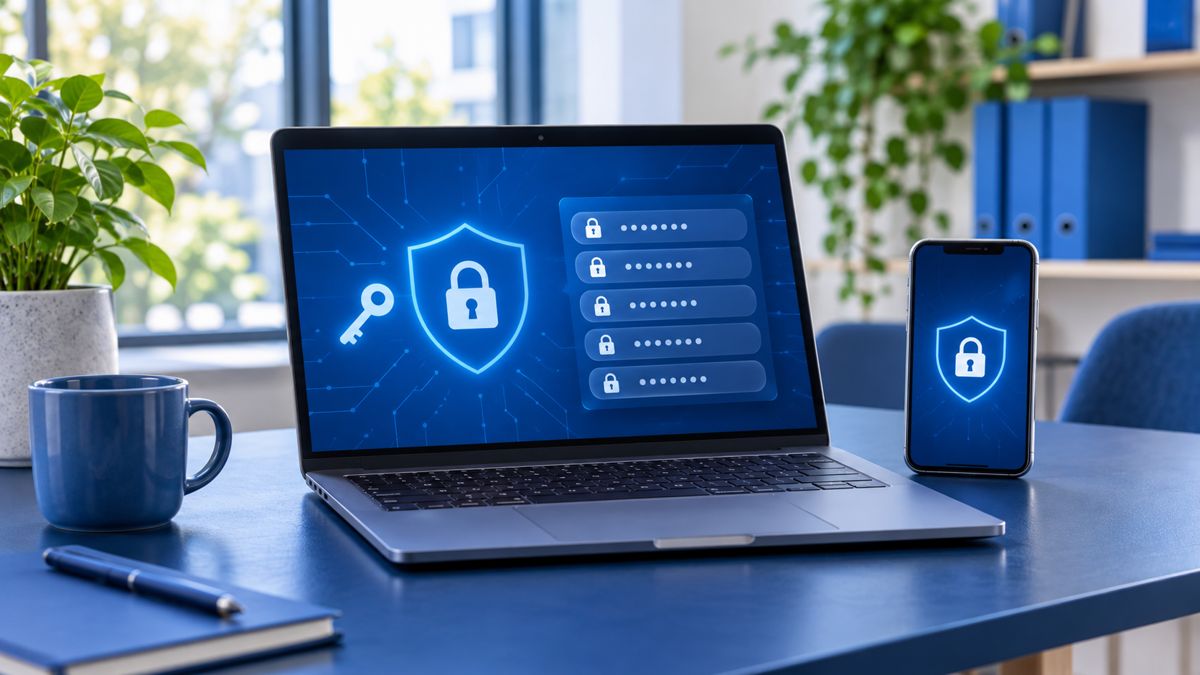
Strong passwords without the effort
The password manager generates a unique, strong password for every account and fills it in automatically on laptop and phone. Employees only need to remember one master password, protected by MFA.
Secure sharing within the team
Shared accounts, such as the social media account or the supplier portal, are placed in a shared vault. No more passwords in Excel, on notes, or in WhatsApp. You determine per group who can see what.
Central management and immediate revocation
If an employee leaves, you can revoke access to all shared passwords with a single click. You can also see which passwords are weak or have appeared in a data breach. VePa works with 1Password and Keeper.
How VePa works
- Discuss current password usage
- Choice between 1Password and Keeper
- Setting up vaults, groups, and policies
- Inviting and briefly training employees
- Management during onboarding and offboarding
What are the benefits for you?
- Unique, strong passwords for every account
- No more passwords in Excel or on notes
- Access revoked immediately upon departure
- Alerts for leaked or weak passwords
Frequently asked questions
Is a password manager actually secure? Everything is in one place.
The vault is end-to-end encrypted; even the provider cannot read your passwords. With a strong master password and MFA, this is much more secure than reused passwords.
Which is better for my company: 1Password or Keeper?
Both are excellent business solutions. 1Password excels in ease of use, while Keeper excels in extensive management and reporting functions. VePa advises based on your specific situation.
Does the password manager also work on phones?
Yes, on Windows, macOS, iOS, and Android, and as an extension in all common browsers.
Do you want to get rid of insecure passwords in your company?
VePa sets up a business password manager and helps your team get started. Call 085 005 0850 or email info@vepa-automatisering.nl.


