
Teams Telephony: business calling from Microsoft Teams
Your landline number on laptop, headset, and mobile, within the familiar Teams environment.
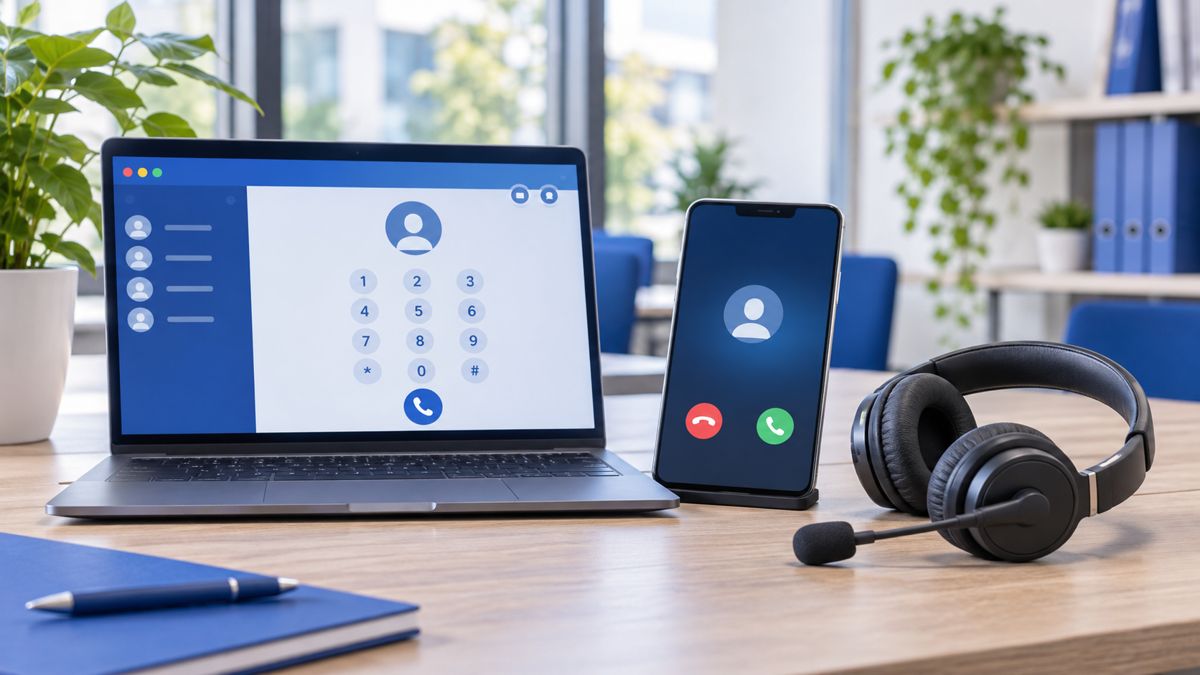
With Teams Telephony, Microsoft Teams becomes your PBX. You can make and receive calls on your fixed business number wherever you are: at the office via a headset, at home on your laptop, or on the go using the Teams app. Chatting, meetings, and calling are all in one environment. A successful implementation requires choices regarding numbers, call groups, reception, licenses, and the connection to the telephone network. VePa takes care of it.
Designing reachability
We map out how customers and colleagues call you, which numbers are to be retained, and how calls should be forwarded. This includes options like a phone menu, call groups per department, opening hours, and voicemail.
Technical requirements
Licenses (such as Teams Phone), the connection to the public telephone network, network capacity, and suitable headsets or devices determine the quality. We check and test these before the transition. The foundation is a well-configured Microsoft 365 environment.
Switching without surprises
We plan number porting and the transition carefully to ensure you remain reachable. Employees receive instructions on calling, transferring, voicemail, and mobile usage. Prefer traditional devices? View VoIP telephony.
How VePa works
- Inventory current telephony
- Determine call plan and licenses
- Test network and equipment
- Port numbers and switch over
- Guide and manage users

What are the benefits?
- One app for chatting, meetings, and calling
- Reachable on your landline number, everywhere
- No separate PBX needed anymore
- Easily add or remove employees
Frequently Asked Questions
What do I need for calling via Teams?
A Microsoft 365 license, a Teams Phone license, a phone number subscription via a provider or Microsoft, and preferably a good headset.
Can I also call regular numbers with Teams?
Yes. Teams Telephony is connected to the public telephone network, allowing you to make and receive calls to any landline and mobile number.
Does Teams Telephony also work on my mobile?
Yes. In the Teams app on your phone, you call using your business number, keeping your private number private.
Are you considering calling via Microsoft Teams?
VePa checks the requirements and creates a realistic transition plan. Call 085 005 0850 or email info@vepa-automatisering.nl.


