Synology backup: fast recovery from your own storage
A Synology NAS as local backup and central storage, securely configured and supplemented with an off-site copy.
A Synology NAS is a smart storage server located in the office. It automatically backs up laptops, servers, and Microsoft 365, and restores files rapidly because the data is nearby. You keep the data entirely under your own management. However, a NAS alone is not a complete strategy: location, access security, a second copy, and recovery tests make the difference. VePa takes care of that.
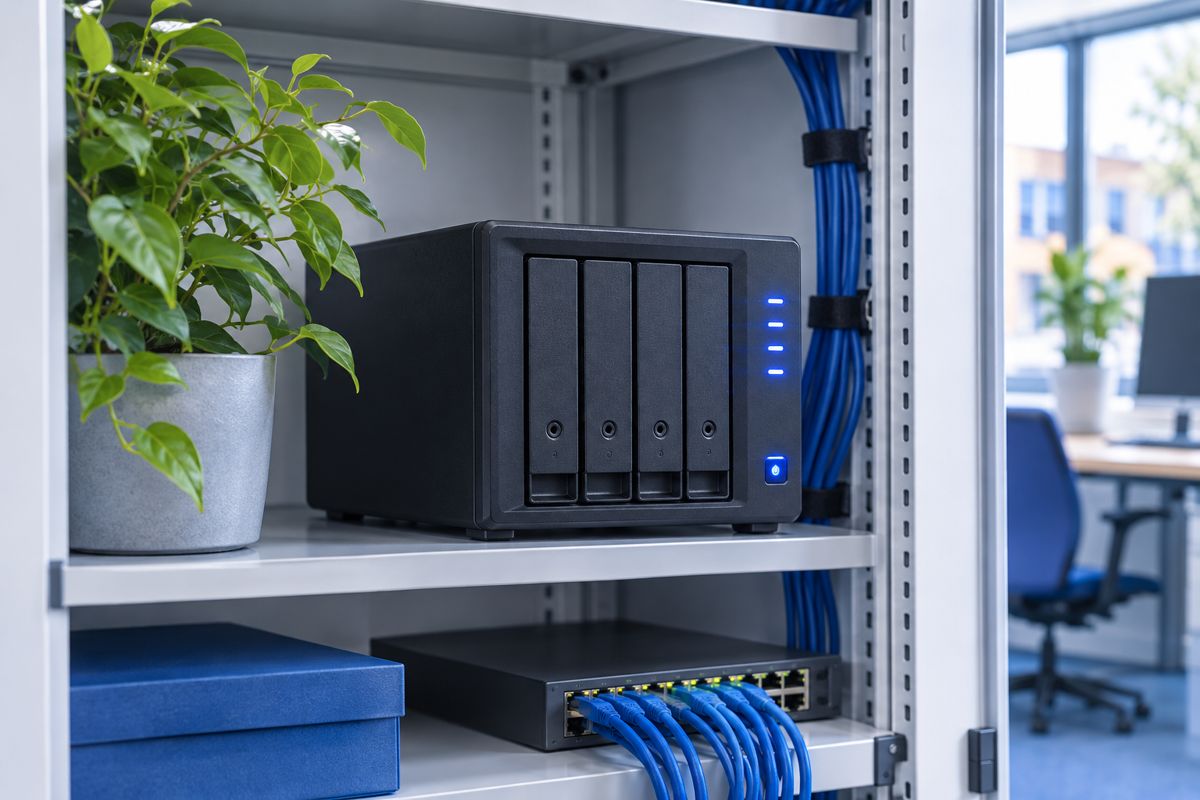
Local backup and fast recovery
Because the NAS is in your own network, files or even complete systems can be restored quickly. We determine which sources are copied and how often, tailored to how quickly your data changes. With snapshots, you can return to a moment before a ransomware attack.
A second copy off-site
Fire, theft, or ransomware can also affect the NAS. Therefore, we place an extra copy at a second location or in the cloud, for example via Synology C2. This ensures you comply with the 3-2-1 rule.
Securely configured and monitored
A poorly secured NAS is a popular target. We properly set up accounts, updates, network access, and notifications, and include the NAS in our management instead of leaving it as a standalone device in the cupboard. You can read more about the brand on our Synology page.
How VePa works
- Determine data flows and storage needs
- Select appropriate NAS model and capacity
- Configure access, snapshots, and backup tasks
- Arrange second off-site copy
- Set up notifications and test recovery
What are the benefits for you?
- Very fast recovery of files and systems
- Data entirely under your own management (sovereign)
- Protection against ransomware with snapshots
- No recurring costs per gigabyte for local storage
Frequently Asked Questions
Is a Synology NAS suitable for a small business?
Yes. There are compact models for a few users and expandable models for larger teams. VePa advises on the model that fits your data volume and growth.
Can a Synology also back up Microsoft 365?
Yes, with Active Backup for Microsoft 365, a Synology creates a copy of mailboxes, OneDrive, SharePoint, and Teams.
Is a NAS in the office sufficient as a backup?
No, not as the only copy. In the event of fire or theft, you would lose everything. Always combine the NAS with a copy at another location or in the cloud.
Do you want to keep your backup under your own management?
VePa advises whether a Synology solution is right for you and configures it securely. Call 085 005 0850 or email info@vepa-automatisering.nl.


