Synology via VePa: advised, configured, and managed
VePa deploys Synology where it fits your environment, and provides configuration, management, and support.
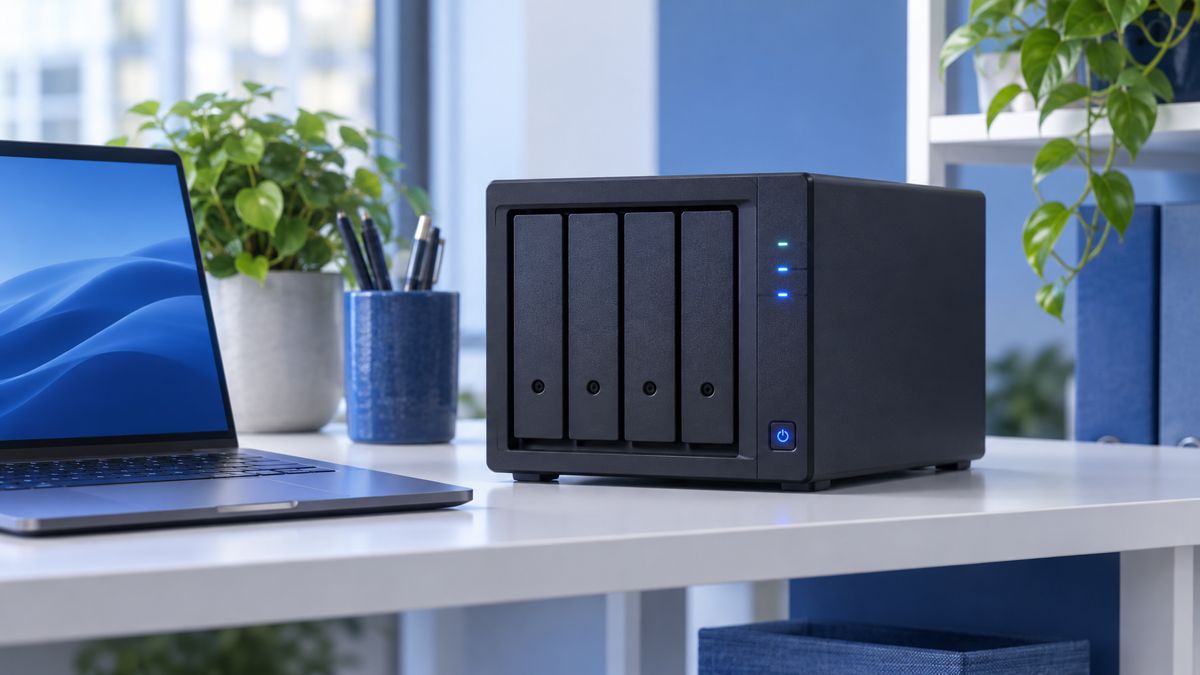
Synology is known for its NAS systems: compact storage servers for centralized file storage, backup, and private cloud. The software (DiskStation Manager) includes many built-in features, such as Active Backup for Business and Microsoft 365 backup. VePa deploys Synology for companies that want fast local recovery and data under their own management.
What does VePa use Synology for?
For centralized file storage, local backup of laptops, servers, and Microsoft 365, snapshots against ransomware, and replication to a second location or Synology C2 cloud. Read more on our Synology backup page.
Part of your total IT environment
A NAS must be properly secured and monitored. VePa configures accounts, updates, network access, and notifications, and includes the NAS in our network and server management, with a secondary copy following the 3-2-1 rule.
A single point of contact for licenses and support
You do not have to deal with the supplier yourself. VePa handles the licenses, keeps the solution up to date, and is your first point of contact for questions or malfunctions. Want to know more? View Synology backup and cloud backup.
How VePa works
- Discussing your requirements and situation
- Checking if and how Synology fits
- Choosing the right variant and licenses
- Configuration, integration, and testing
- Management, updates, and support
What are the benefits for you?
- Advice based on your situation, not a product
- Professionally configured according to best practices
- Linked to your existing IT environment
- Licensing and support through a single partner
Frequently Asked Questions
Which Synology model is right for my business?
That depends on the number of users, the amount of data, and expected growth. VePa recommends a suitable model with sufficient capacity.
Can a Synology NAS replace my server?
Often yes, for file storage and backup. For heavy applications, a server or cloud solution is sometimes better.
Is a Synology NAS secure against ransomware?
With proper configuration, snapshots, and an off-site copy, the NAS is a strong defense. An unsecured NAS can actually be a target.
Would you like to know if Synology is right for your organization?
Discuss your requirements with VePa. You will receive honest advice based on your situation. Call 085 005 0850 or email info@vepa-automatisering.nl.


